What this page sets up for you
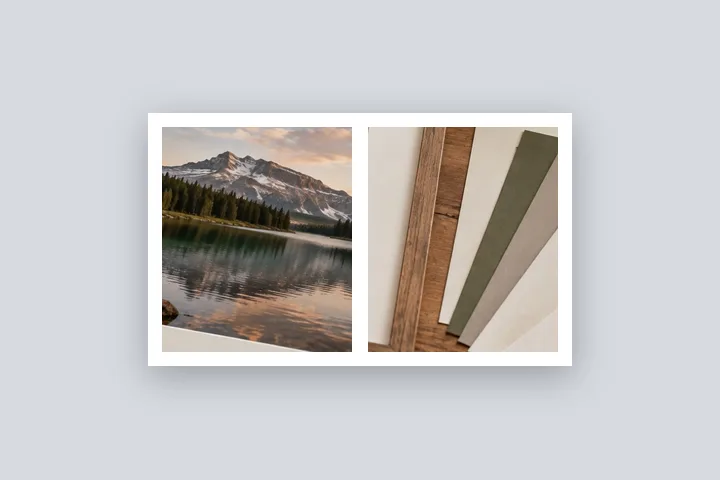
Two to four photos side by side, stacked or in a grid, with measured gutters and one border around the whole frame.
How to do it
- Choose the photos. Select two to four at once, or add them one at a time; they open in this tab.
- Arrange them. Pick a layout, reorder with the arrows, and set the gutter.
- Continue to the border. The frame opens in the studio with the border at the gutter's width.
- Finish and export. Change the fill, corners, shadow or size, then save.
The construction this opening uses
Two photos in one frame are one picture with a measured gap. This page lays them out without cropping — side by side at a shared height, or stacked at a shared width — and leaves the gutters clear, then hands the arrangement to the same studio every other page uses. The border fill shows through the gutters, so the gaps and the edge are always the same colour.
A 4000 × 3000 photo beside a 3024 × 4032 one: both are brought to 3000 px high, the second becoming 2250 × 3000. With a 3 % gutter (188 px) the arrangement is 6438 × 3000, and the border opens at 188 px, giving 6814 × 3376.
| Photos | Arrangement | With border |
|---|---|---|
| 4000 × 3000 + 3024 × 4032 | 6438 × 3000 | 6814 × 3376 |
| 1080 × 1350 + 1080 × 1350 | 2225 × 1350 | 2355 × 1480 |
Where the treatment stops working
Equal-height scaling makes the smallest photo set the size, so pairing a phone screenshot with a camera photo shrinks the camera photo a lot. Equal cells either leave bars (whole photo) or crop (fill the cell), and the page labels which. Photos cannot be nudged inside a cell, and more than four photos is out of scope.
- Up to four photos.
- Fill the cell crops, and says so; whole photo never crops.
- The gutter is fixed once you continue; go back to rearrange to change it.
The opening values are a starting construction, not a filter baked into the page. Every width, colour, unit and mode remains editable after the photograph opens, and the output readout states the dimensions before export. That makes the result reproducible instead of leaving its proportions hidden inside a decorative preset.
Questions
What if the two photos are different sizes?
Side by side, both are scaled to the height of the smaller one; stacked, to the width of the narrower one. Nothing is cropped and nothing is enlarged, so the finished frame is as sharp as its smallest photo.
How wide is the gap between the photos?
The gutter is a share of the arrangement's long edge — 3 % to start — and the outer border opens at the same width in pixels, so gaps and edges match. You can change the border afterwards in the studio; the gutter is set before you continue.
Can I put three or four photos in one frame?
Yes, up to four: in a row, a column, 2 × 2 for four, or one large with two small for three. For more than four this site does not make collages; it is a frame, not a template library.
What colour are the gaps?
The border fill. The arrangement is handed to the studio with clear gutters, so whatever you choose under Fill — white, black, a colour from the photos, a blur — shows in the gaps and around the edge alike.
Can I make it an Instagram post?
Yes. After continuing, choose Exact size under Border and the 1080 × 1350 preset: the whole frame is fitted inside without cropping.
Same studio, other openings
- Border Photo Add a border to any photo in px, %, mm or inches, measured and processed on your device.
- Instagram photo without cropping The whole photo in 1080 × 1350, 1080 × 1080 or a 1080 × 1920 story.
- Add a white border to a photo Pure or paper white, even or weighted, with the saved file checked for banding.
- Photo frame editor Mat, keylines, a frame band and a shadow, every one an editable number.
- Add a border to many photos One rule across a folder, a preview per photo and one ZIP.


